How to Watch FIFA World Cup 2026 Live Stream Sling TV
Are you ready for the biggest sport tournament on the globe? Yes, we are talking about FIFA World Cup 2026 that is almost here. For the first time, there are three host countries across North America; the US, Canada, and Mexico.The tournament will feature 48 teams in 104 matches. Well, it is pretty massive!
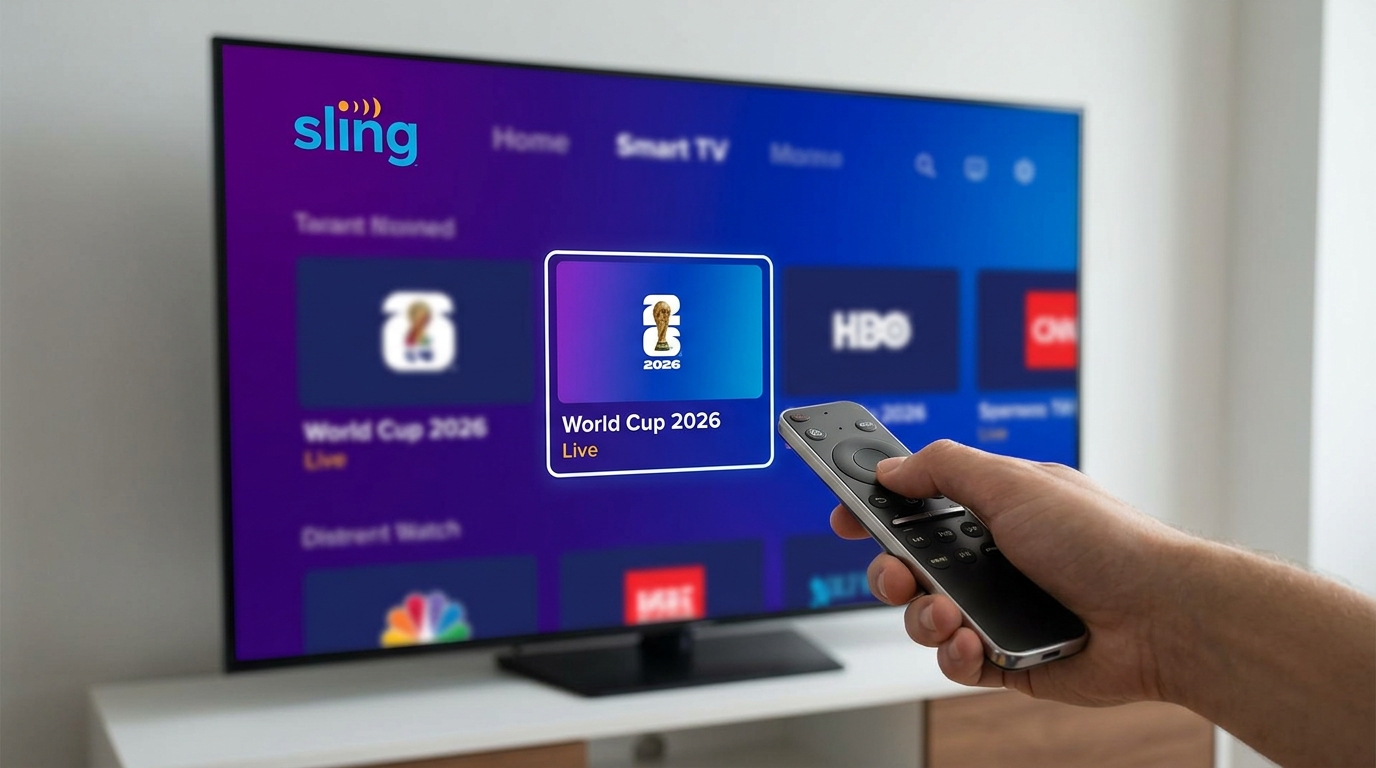
And if you’re a real soccer fan, you know that it is going to be a spectacular event to watch. But first things first, just like other soccer fan in the world, you must prepare everything for your viewing experience.
Among the best options out there, Sling TV is indeed a good choice, especially for budget-concious fans. In this guide, we will show you how to watch FIFA world Cup 2026 live stream Sling TV.
Sling TV for the FIFA World Cup 2026 Broadcaster
As we know, big package from cable provider is expensive and consists of many channels that we might never watch. Sling TV comes to close the gaps. It is a sensible streaming service that allows you to pay for the channels you actually want.
FOX Sports comes as the main broadcaster in the US. You can watch the matches in FOX (local channel), and FS1 (Fox Sports 1).
Sling offers different plans. For the World Cup viewing, you can actually focus on Sling Blue for amazing experience. It is a plan that is perfect for those who watch sports and news.
If you live or travel in the big city like LA, you’re likely ready for both channels: FOX and FS1. Those are the main broadcasters of the World Cup 2026. If you want more events coverage or more sports content, you could combine Sling Orange & Blue plans. However, if your focus is on World Cup 2026, Sling Blue is a go-to option.
Sling TV currently offers four main package options
| Plan | Monthly Price | Channels | Streams | Best For |
|---|---|---|---|---|
| Sling Orange | $45.99/mo | 30+ channels | 1 stream | Sports fans and families (includes ESPN) |
| Sling Blue | $45.99/mo* | 40+ channels | 3 streams | News, entertainment, and local channels |
| Sling Orange + Blue | $60.99/mo | 50+ channels | Up to 4 streams | Maximum channel selection |
| Sling Select | $19.99–24.99/mo | 10+ channels | 3 streams | Budget-focused viewers |
How to Get Started Sling TV
Setting up Sling TV for watching World Cup 2026 is easy and simple. Just follow these steps to get you ready:
- Visit Sling official site
- Check the Offers and Deals – Sometimes, Sling TV offers 50% off your first month. That could save you a lot to watch the World Cup that lasts around a month.
- Select the Sling Blue Package to get FS1.
- Create your account – enter your active email and pick a difficult password for your security.
- Download Sling TV app – Sling TV is basically available in various compatible devices. You can use the app on smart TV, phone, tablet, or even your computer.
Extra Tips
If you choose Sling Blue, you must know that it comes with 50 hours of free DVR storage. With this feature, you won’t need to worry if you’re going to miss the game. Just set it to record and watch it when you are free.
Reserve Your Seat Today
FIFA World Cup 2026 is going to be an amazing event to watch. By using Sling TV, you reserve a front-row seat to the action without breaking the bank. Get your snacks, setup your room, and get your stream ready. Happy viewing!