How Do I Find FIFA World Cup 2026 Match Times in My Own Time Zone?
Use FIFA’s official website, sports apps like ESPN or The Athletic, or your device’s calendar app to find World Cup 2026 match times automatically converted to your local time zone. Most major platforms now detect your location and display kick-off times in your regional time automatically.
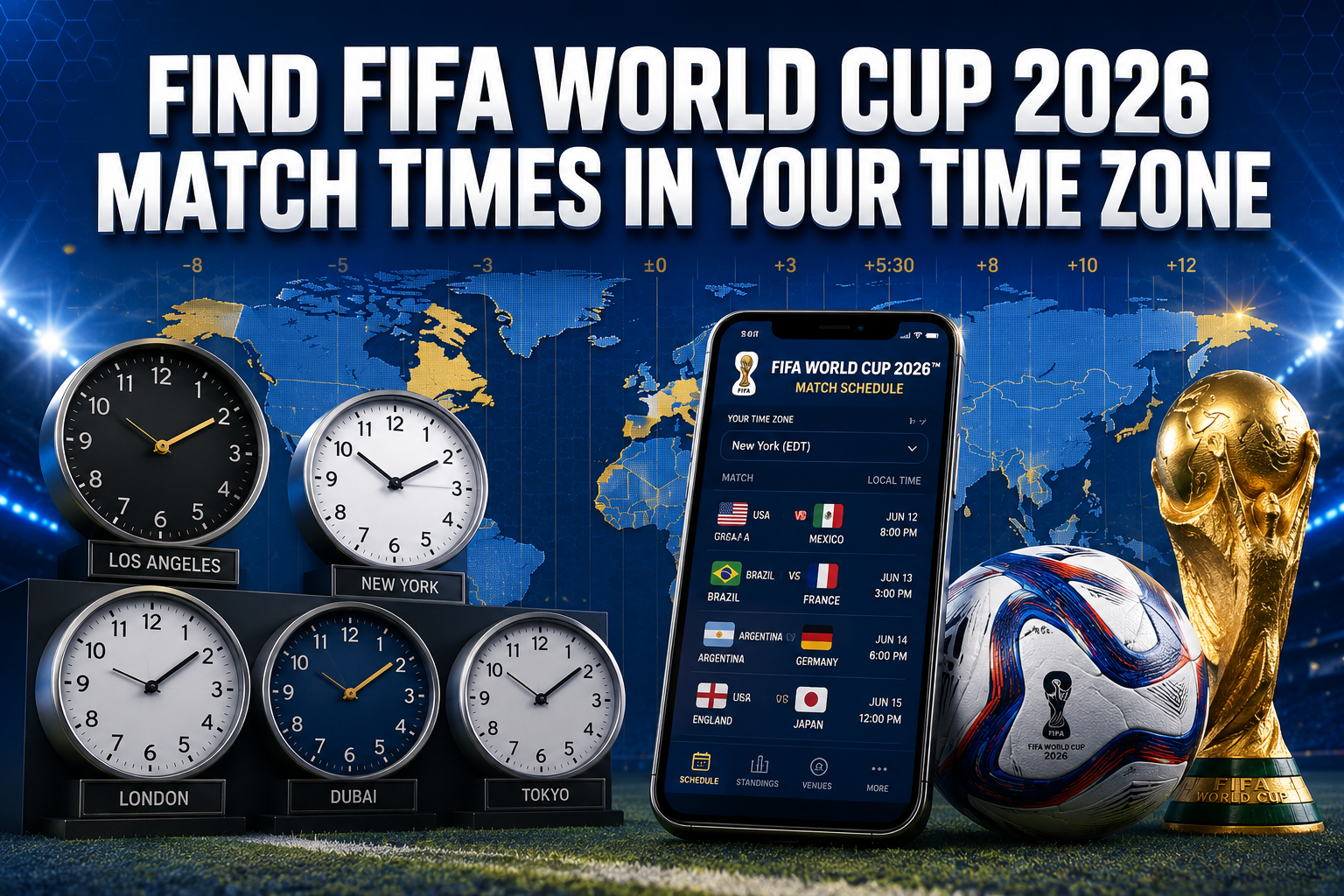
World Cup 2026 Match Times Zone
- FIFA’s official website and app automatically display match times in your detected time zone
- Major sports apps like ESPN, Fox Sports, and The Athletic offer built-in timezone conversion
- Google Calendar and Apple Calendar can sync World Cup schedules with automatic time zone adjustments
- Set up push notifications on multiple apps to never miss a match in your local time
- Cross-reference times on at least two platforms to avoid scheduling conflicts
- Download offline schedule apps as backup for areas with poor internet connectivity
- Check if your cable or streaming provider offers a dedicated World Cup channel guide
- Bookmark timezone converter tools for manual verification when needed
Where to Find Official 2026 World Cup Match Times
The most reliable source for World Cup 2026 match times is FIFA’s official website and mobile app, which automatically detect your location and display all kick-off times in your local timezone. These platforms update in real-time and account for daylight saving time changes that may occur during the tournament period.
FIFA World Cup Primary Official Sources
- FIFA.com – Main tournament hub with live timezone detection
- FIFA Mobile App – Push notifications and calendar integration
- FOX Sports – Official U.S. broadcaster with comprehensive scheduling
- Telemundo Deportes – Spanish-language coverage with timezone tools
For the FIFA World Cup 2026 schedule, matches will be played across multiple time zones in the United States, Canada, and Mexico. This makes accurate timezone conversion even more critical since games will kick off at different local times depending on the host city.
Backup Verification Methods:
- ESPN’s World Cup section with interactive schedule
- BBC Sport (for international users)
- Your local sports broadcaster’s website
- Google Search results for “World Cup 2026 schedule”
Always verify match times on at least two different platforms, especially for knockout stage games where timing is crucial.
FIFA World Cup 2026 Schedule with Timezone Converter
Most modern sports platforms include built-in timezone converters that eliminate manual calculations. ESPN’s World Cup hub, for example, displays a toggle option to switch between local time, tournament time, and major international timezones like GMT, EST, and PST.
Best Timezone Converter Tools 2026
- TimeandDate.com – Manual converter with World Cup event listings
- WorldTimeBuddy – Visual timezone comparison for multiple regions
- Google Search – Type “World Cup match time in [your city]”
- Siri/Google Assistant – Voice commands for quick conversions
The 2026 tournament spans North American time zones from Pacific (UTC-8) to Eastern (UTC-5), meaning a match in Los Angeles at 3 PM local time kicks off at 6 PM in New York and 11 PM in London. Understanding these patterns helps you plan viewing schedules more effectively.
Timezone Quick Conversion Reference:
- West Coast US (PST/PDT): Tournament baseline
- East Coast US (EST/EDT): Add 3 hours
- Central Europe (CET/CEST): Add 9 hours
- UK (GMT/BST): Add 8 hours
- Australia (AEST): Add 19 hours (next day)
For matches in Mexico and Canada, check the specific host city since some venues operate in different time zones than their country’s primary zone.
Best App to Track World Cup 2026 Schedule
The ESPN app consistently ranks as the top choice for World Cup scheduling due to its reliable notifications, offline schedule access, and integration with device calendars. The app allows you to follow specific teams, set match reminders, and receive lineup announcements 90 minutes before kick-off.
Top-Rated World Cup 2026 Apps
- ESPN – Comprehensive coverage with reliable notifications
- The Athletic – In-depth analysis with customizable alerts
- FIFA Official App – Direct from source with exclusive content
- Fox Sports – U.S. broadcaster app with streaming integration
- 365Scores – Multi-sport app with excellent World Cup section
Essential App Features to Look For:
- Automatic timezone detection and conversion
- Customizable push notifications for specific teams or matches
- Offline schedule access for travel or poor connectivity areas
- Calendar integration to add matches to your device’s native calendar
- Live score updates and match commentary
- Streaming links or TV channel information for your region
Download multiple apps as backup since notification systems can occasionally fail during high-traffic periods like major tournament matches.
How to Add World Cup 2026 Matches to My Calendar
Adding World Cup matches to your device’s calendar ensures you receive native notifications and can block time for viewing. Most calendar apps now support importing sports schedules directly from official sources.
World Cup 2026 iPhone/iPad Users
- Open Settings → Calendar → Accounts
- Add Account → Other → Add Subscribed Calendar
- Enter FIFA’s official calendar URL or use Siri: “Add World Cup 2026 to my calendar”
- Choose notification timing (30 minutes, 1 hour, or custom)
FIFA World Cup 2026 Android Users?
- Open Google Calendar app
- Tap the “+” icon → Browse calendars of interest
- Search “FIFA World Cup 2026” or import from ESPN/Fox Sports
- Enable notifications in Calendar settings
Manual Calendar Entry Tips:
- Set primary alert 1 hour before kick-off
- Add secondary alert 15 minutes before for final preparations
- Include TV channel or streaming service in event description
- Add location if watching at a specific venue or with friends
- Use different calendar colors for group stage vs knockout matches
Many users create separate calendars specifically for World Cup matches to avoid cluttering their main schedule while maintaining easy access to match times.
World Cup 2026 Match Times EST PST CET
Understanding major timezone conversions helps you quickly calculate kick-off times without relying on apps or websites. The 2026 World Cup will primarily operate on North American time zones, making conversion patterns predictable.
Standard Conversion Patterns:
| Host City Time | EST/EDT | PST/PDT | CET/CEST | GMT/BST |
|---|---|---|---|---|
| 12:00 PM | 3:00 PM | 12:00 PM | 9:00 PM | 8:00 PM |
| 3:00 PM | 6:00 PM | 3:00 PM | 12:00 AM+1 | 11:00 PM |
| 6:00 PM | 9:00 PM | 6:00 PM | 3:00 AM+1 | 2:00 AM+1 |
| 9:00 PM | 12:00 AM+1 | 9:00 PM | 6:00 AM+1 | 5:00 AM+1 |
Timezone Considerations:
- Daylight Saving Time: Most of the tournament occurs during DST periods
- Mexico Variations: Some Mexican host cities don’t observe DST
- Canada Differences: Eastern Canada matches align with U.S. Eastern time
- Late European Times: Many matches will be very late or early morning in Europe
For viewers in Asia and Australia, most matches will occur during morning hours, making the tournament more accessible than previous European or Middle Eastern World Cups.
How Do I Know When World Cup Matches Are Live in My Area
Real-time match status updates help you catch games in progress or verify accurate start times when schedules change. FIFA and major broadcasters provide live match indicators that show current game status across all time zones.
Live Match Indicators:
- FIFA.com Live Center – Real-time match status and scores
- ESPN Live Scores – “LIVE” badges with current match time
- Google Search Results – Live score cards with match progress
- Social Media – Official FIFA and broadcaster accounts with live updates
- TV Guide Apps – Cable/satellite providers show live programming
Setting Up Live Notifications:
- Enable location services for sports apps to get regional alerts
- Follow official World Cup social media accounts for instant updates
- Set up Google Alerts for “World Cup 2026 live” or your team name
- Use smart home devices: “Alexa, are any World Cup matches live now?”
Common Schedule Changes:
- Weather delays (rare but possible in outdoor venues)
- Security-related postponements
- Television scheduling adjustments for major markets
- Kickoff time changes for knockout stage matches
Always check official sources 2-3 hours before planned viewing time to confirm matches are proceeding as scheduled.
World Cup 2026 TV Schedule by Country
Television schedules vary significantly by country based on broadcasting rights, time zone considerations, and local viewing preferences. Major broadcasters often adjust their coverage windows to maximize local audience engagement.
Major Broadcasting Regions:
World Cup 2026 in United States
- FOX Sports – Primary English-language broadcaster
- Telemundo – Spanish-language coverage
- Streaming: Peacock, Fox Sports App, Fubo
United Kingdom
- BBC – Free-to-air coverage for major matches
- ITV – Shared broadcasting rights
- Streaming: BBC iPlayer, ITVX
World Cup 2026 in Canada
- TSN – English-language coverage
- RDS – French-language coverage
- Streaming: TSN Direct, RDS Direct
For comprehensive coverage in your specific country, check our detailed guides for watching in the USA, Canada, and other regions.
FIFA World Cup 2026 International Coverage Notes
- European broadcasters may show delayed highlights for very late matches
- Asian markets often get early morning live coverage with evening replays
- African broadcasters typically focus on matches featuring African teams
- Streaming services may have different match selections than traditional TV
World Cup 2026 All Match Times and Dates
The complete World Cup 2026 schedule includes 104 matches across 39 days, from the opening ceremony through the final. Understanding the tournament structure helps you prioritize which matches to watch live versus recorded.
Tournament Phase Breakdown:
- Group Stage: 78 matches over 14 days (June 11-26, 2026)
- Round of 32: 16 matches over 4 days (June 29-July 2, 2026)
- Round of 16: 8 matches over 4 days (July 5-8, 2026)
- Quarter-finals: 4 matches over 2 days (July 11-12, 2026)
- Semi-finals: 2 matches over 2 days (July 15-16, 2026)
- Final: July 19, 2026
Daily Schedule Patterns:
- Group Stage: Up to 4 matches per day across different time slots
- Knockout Rounds: 2-4 matches per day with strategic spacing
- Weekend Scheduling: Premium time slots for maximum viewership
- Final Week: Single-elimination format with rest days between matches
The expanded 48-team format means more matches than previous World Cups, creating both more viewing opportunities and scheduling complexity for fans following multiple teams.
Can I Get World Cup 2026 Notifications for Matches in My Timezone
Push notifications remain the most reliable way to stay updated on match times, especially when traveling or managing busy schedules. Most sports apps allow granular notification customization based on teams, match importance, and timing preferences.
Notification Setup Best Practices:
- Multiple Apps: Use 2-3 different apps to ensure redundancy
- Timing Options: Set alerts for 24 hours, 2 hours, and 15 minutes before matches
- Team-Specific: Follow your national team plus 2-3 favorites for manageable volume
- Match Type: Prioritize knockout stage over group stage for fewer interruptions
Recommended Notification Sources:
- FIFA Official App – Most authoritative source
- ESPN – Reliable delivery with customizable timing
- Your Phone’s Sports Widget – iOS and Android native options
- Cable/Streaming Provider Apps – Often include viewing reminders
- Social Media – Twitter/X and Facebook for instant updates
Notification Management Tips:
- Test notification settings during pre-tournament friendlies
- Adjust volume and vibration settings for different times of day
- Use “Do Not Disturb” exceptions for World Cup apps during sleep hours
- Enable lock screen notifications for quick access without unlocking device
Consider setting up email alerts as backup since push notifications can fail during network congestion around major matches.
World Cup 2026 Group Stage Times by Timezone
Group stage scheduling follows a structured pattern designed to accommodate global television audiences while ensuring fair rest periods for teams. Understanding these patterns helps you plan viewing schedules for the tournament’s opening phase.
Typical Group Stage Time Slots:
- Early Slot: 12:00 PM local (varies by host city)
- Afternoon Slot: 3:00 PM local
- Prime Time: 6:00 PM local
- Late Slot: 9:00 PM local (weekends and special matches)
Global Viewing Optimization:
The tournament schedule balances North American prime time (evening hours) with acceptable viewing times for European audiences (late evening/night) and morning accessibility for Asian markets.
Sample Daily Schedule (Eastern Time):
- Match 1: 12:00 PM EST (5:00 PM GMT)
- Match 2: 3:00 PM EST (8:00 PM GMT)
- Match 3: 6:00 PM EST (11:00 PM GMT)
- Match 4: 9:00 PM EST (2:00 AM GMT+1)
Teams in the same group play simultaneously during the final group stage matches to prevent tactical advantages, meaning some days will have multiple matches at identical times across different venues.
How to Convert World Cup Match Times to My Local Time
Manual time conversion becomes necessary when apps fail or when planning around specific events. Understanding the mathematical relationship between time zones helps you calculate kick-off times independently.
Step-by-Step Conversion Process:
- Identify the host city for your specific match
- Determine the host city’s time zone (PST, EST, CST, or MST for most venues)
- Calculate your offset from the host city time
- Add or subtract hours based on your geographic relationship
- Account for daylight saving time if applicable
Quick Conversion Formulas:
From Eastern Time (EST/EDT):
- Pacific Time: Subtract 3 hours
- Central European Time: Add 6 hours (5 during DST overlap)
- Greenwich Mean Time: Add 5 hours (4 during DST)
- Japan Standard Time: Add 14 hours
- Australian Eastern Time: Add 16 hours (15 during DST)
From Pacific Time (PST/PDT):
- Eastern Time: Add 3 hours
- Central European Time: Add 9 hours (8 during DST overlap)
- Greenwich Mean Time: Add 8 hours (7 during DST)
Daylight Saving Considerations:
Most World Cup 2026 matches occur during Northern Hemisphere summer, when daylight saving time is active in North America and Europe but not in many other regions, creating temporary offset changes.
World Cup 2026 Knockout Stage Schedule Times
Knockout stage matches receive premium scheduling treatment, with kick-off times designed to maximize global viewership while maintaining competitive integrity. These matches typically feature more predictable timing than group stage games.
Knockout Stage Time Patterns:
- Round of 32/16: Afternoon and evening slots to accommodate weekend viewing
- Quarter-finals: Prime time scheduling for maximum audience
- Semi-finals: Strategic timing to build toward final
- Final: Optimal global viewing window (typically 3:00 PM ET / 8:00 PM GMT)
The World Cup 2026 bracket format influences scheduling since the expanded tournament creates more knockout rounds than previous World Cups.
Key Scheduling Considerations:
- Rest Periods: Minimum 3-day gaps between matches for advancing teams
- Travel Time: Account for teams moving between host cities
- Television Windows: Prime time in major markets gets priority
- Stadium Availability: Venue scheduling affects match timing
Planning for Knockout Matches:
- Higher Stakes: Set multiple reminders since these matches can’t be missed
- Overtime Possibility: Block extra time for potential penalty shootouts
- Viewing Parties: Coordinate with others early since these are premium social events
- Work Scheduling: Request time off for semi-finals and final if needed
Knockout stage matches often shift by 15-30 minutes from published times due to pre-match ceremonies, so always check final confirmation 2 hours before kick-off.
What If I Miss a World Cup 2026 Match Time in My Timezone
Missing live matches doesn’t mean missing the experience entirely. Modern broadcasting and streaming provide multiple options for catching up on matches while avoiding spoilers.
Immediate Replay Options:
- Streaming Services: Most offer full match replays within 2-4 hours
- Cable On-Demand: Traditional providers typically upload matches same-day
- YouTube Highlights: Official FIFA channel posts extended highlights quickly
- Social Media: Short-form content appears within minutes on TikTok and Instagram
Spoiler-Free Viewing Strategies:
- Avoid Social Media: Stay off Twitter, Facebook, and Instagram until viewing
- Use Incognito Browsing: Prevents news websites from showing scores
- Disable Sports Notifications: Turn off all sports apps temporarily
- Ask Friends/Family: Request no score updates via text or conversation
Full Match Replay Sources:
- Fox Sports App – Complete matches available for 30 days
- Peacock – NBCUniversal’s streaming platform with World Cup archive
- FIFA+ – Official platform with select match replays
- International Broadcasters – BBC iPlayer, CBC Gem for regional access
Condensed Match Options:
For time-constrained viewing, look for 30-minute condensed matches that include all key moments, goals, and major incidents while cutting out routine play periods.
The key to successful catch-up viewing is planning your media consumption carefully to preserve the authentic viewing experience despite the time delay.
Frequently Asked Questions
What time zone will World Cup 2026 matches be broadcast in?
Matches will be broadcast in the local time zone of each host city, spanning Pacific, Mountain, Central, and Eastern time zones across the United States, Canada, and Mexico. Most platforms automatically convert these to your local time zone.
How accurate are World Cup match time predictions?
Official FIFA match times are highly accurate, with changes occurring less than 1% of the time. When changes happen, they’re typically announced at least 48 hours in advance through official channels and major sports apps.
Can I sync World Cup 2026 schedule to my phone calendar?
Yes, most major calendar apps support importing sports schedules. Use FIFA’s official calendar feed, or add events through ESPN, Google Calendar’s sports section, or your device’s native sports integration.
What happens if a World Cup match is delayed in my time zone?
Delays are rare but can occur due to weather, security, or technical issues. Official FIFA channels, major sports apps, and broadcasters will announce delays immediately with updated kick-off times in all major time zones.
Will World Cup 2026 match times change for TV scheduling?
FIFA maintains strict control over kick-off times, with changes only for exceptional circumstances. Television broadcasters must adapt their coverage to FIFA’s schedule, not the reverse.
How do I find World Cup match times when traveling?
Use apps with automatic location detection like ESPN or FIFA’s official app. Alternatively, search “World Cup schedule [destination city]” in Google for location-specific times, or use timezone converter websites.
Are all three host nations still in the tournament?
Major apps like ESPN and FIFA’s official app handle high traffic well, but using multiple notification sources provides backup. Test notifications during pre-tournament matches to ensure proper delivery.
What if my streaming service shows different match times?
Always verify match times on FIFA’s official website or app as the authoritative source. Streaming services occasionally display incorrect times due to technical errors or outdated information.
How early should I tune in before World Cup matches start?
Plan to tune in 30 minutes before kick-off for pre-match coverage, team lineups, and any last-minute schedule changes. Major matches may have extended pre-game coverage starting 60-90 minutes early.
Can I get World Cup match reminders without spoilers?
Yes, most sports apps allow you to set match reminders without score notifications. Configure apps to send only upcoming match alerts while disabling live score updates and final result notifications.
Do World Cup 2026 times account for daylight saving changes?
Yes, official schedules automatically account for daylight saving time transitions. However, verify times if you’re traveling between regions with different DST policies during the tournament period.
What’s the best backup if my main World Cup app fails?
Keep ESPN, FIFA’s official app, and your device’s native sports widget as backups. Additionally, bookmark FIFA.com and your local broadcaster’s website for quick access to official schedules.
Conclusion
Finding FIFA World Cup 2026 match times in your time zone requires using reliable official sources like FIFA’s website and app, major sports platforms like ESPN, and your device’s built-in calendar integration. The key is setting up multiple notification sources, verifying times on at least two platforms, and understanding basic time zone conversion patterns for the North American host cities.
Start by downloading the FIFA official app and ESPN app, both of which automatically detect your location and display match times in your local time zone. Set up calendar integration to block viewing time and enable push notifications with multiple alert timing options. For international viewers, bookmark timezone converter tools and understand that most matches will occur during evening hours in Europe and morning hours in Asia-Pacific regions.
Take action now by setting up your preferred apps, testing notification settings, and bookmarking official sources. With proper preparation, you’ll never miss a crucial World Cup moment regardless of your location or time zone.